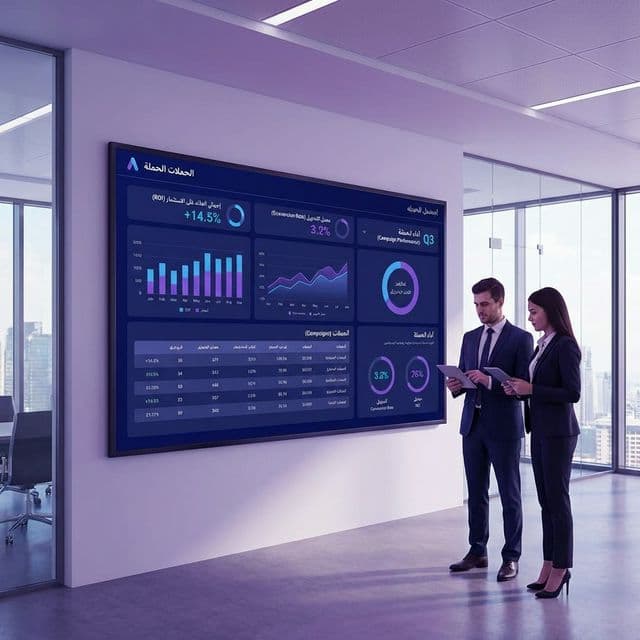
بدون تتبع التحويلات، أنت تُدير حملاتك في الظلام. لا تستطيع معرفة أي الكلمات المفتاحية والإعلانات والحملات تُولّد نتائج تجارية فعلية. هذا الدليل يُريك كيف تُعدّ تتبع تحويلات إعلانات جوجل بشكل صحيح في 2026.
ما هو تتبع التحويلات؟
تتبع التحويلات يُسجّل عندما ينقر مستخدم على إعلانك ثم يُكمل إجراءً قيّماً على موقعك — شراء، تقديم نموذج، مكالمة هاتفية، أو تسجيل. هذه البيانات تتيح لجوجل ولك تحسين الحملات نحو الإجراءات التي تُولّد إيرادات فعلية.
أنواع التحويلات للتتبع
- تقديم النماذج — نماذج التواصل، جمع العملاء، التسجيل المجاني
- المكالمات الهاتفية — مكالمات من الإعلانات أو من موقعك
- المشتريات — معاملات التجارة الإلكترونية بقيم الإيراد
- زيارات الصفحات — صفحات مهمة مثل "شكراً لك" أو صفحات التأكيد
- تنزيلات التطبيق — لأعمال التطبيقات المحمولة
- تفاعلات الدردشة — بدء محادثات واتساب أو الدردشة المباشرة
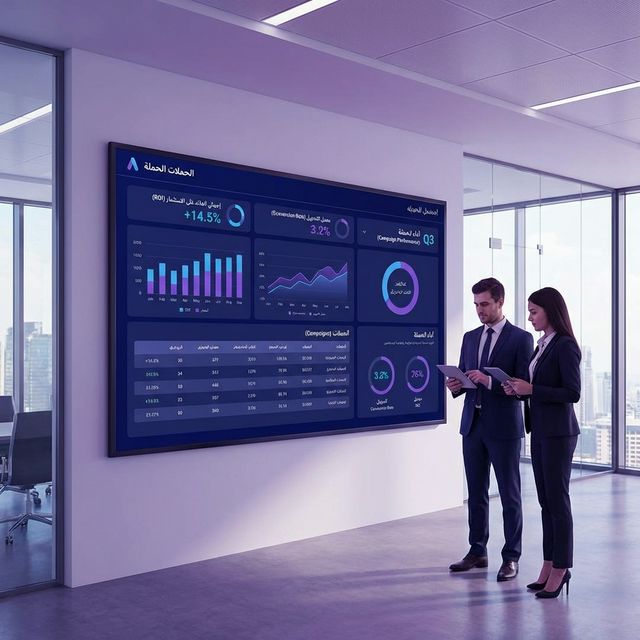
كيف تُعدّ تتبع التحويلات (خطوة بخطوة)
- في إعلانات جوجل، توجه إلى الأدوات ← التحويلات
- انقر + إجراء تحويل جديد
- اختر مصدر التحويل: الموقع، أو المكالمات، أو التطبيق، أو الاستيراد
- حدد اسم التحويل وقيمته وطريقة الحساب
- ثبّت الكود: انسخ كود Google tag وألصقه في كل صفحات موقعك
- أضف مقتطف الحدث إلى صفحة التحويل (مثل صفحة شكراً)
- تحقق من التثبيت باستخدام Google Tag Assistant
استخدام Google Tag Manager (مُوصى به)
بدلاً من تعديل الكود مباشرةً، استخدم Google Tag Manager لنشر علامات التتبع بدون لمس كود موقعك. أسرع وأأمن ويتيح لغير المطورين إدارة العلامات.
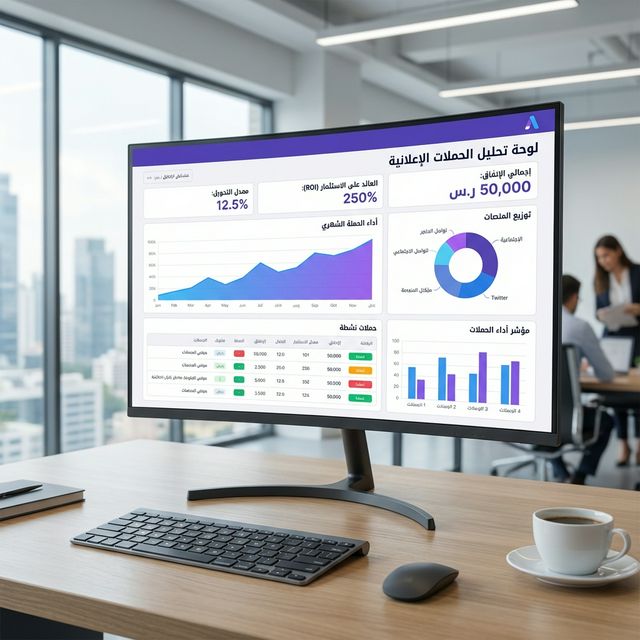
مقاييس التحويل الرئيسية للمراقبة
- التحويلات: العدد الإجمالي لإجراءات التحويل المكتملة
- معدل التحويل: التحويلات ÷ النقرات. استهدف 2-5%+
- تكلفة التحويل (CPA): الإنفاق الإجمالي ÷ التحويلات
- قيمة التحويل: الإيراد الإجمالي من التحويلات
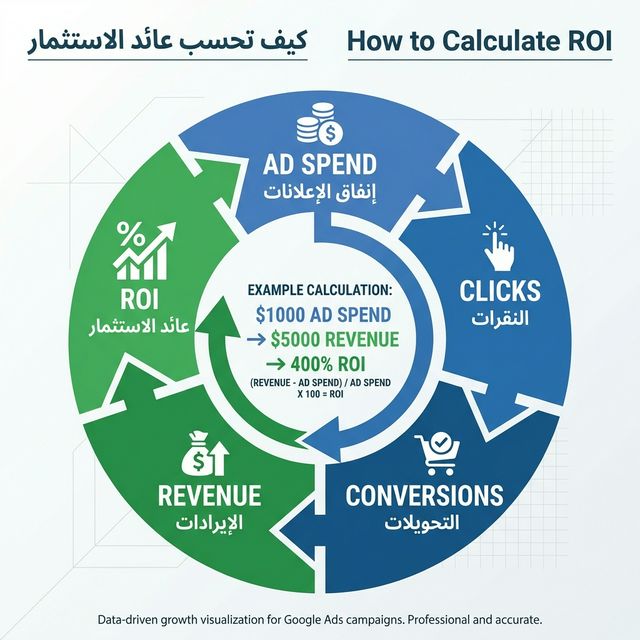
- ROAS: قيمة التحويل ÷ الإنفاق الإعلاني. استهدف 300%+
أخطاء تتبع التحويلات الشائعة
- تتبع مشاهدات الصفحة بدلاً من التحويلات الحقيقية
- حساب نفس التحويل أكثر من مرة
- عدم تعيين قيم التحويل للتجارة الإلكترونية
- تأخر إطلاق العلامة مما يُفوّت التحويلات
- عدم استبعاد حركة زياراتك الداخلية
أتمتة تحسين التحويلات بالذكاء الاصطناعي
بعد إعداد تتبع التحويلات، يستخدم ذكاء Furriyadh الاصطناعي هذه البيانات لتحسين حملاتك تلقائياً — نقل الميزانية للكلمات الأعلى تحويلاً وإيقاف الضعيفة. ابدأ تجربتك المجانية.
لتعلم تحسين أداء الحملة بهذه البيانات، اقرأ: 10 استراتيجيات لتحسين حملات إعلانات جوجل